
Notifications you actually control
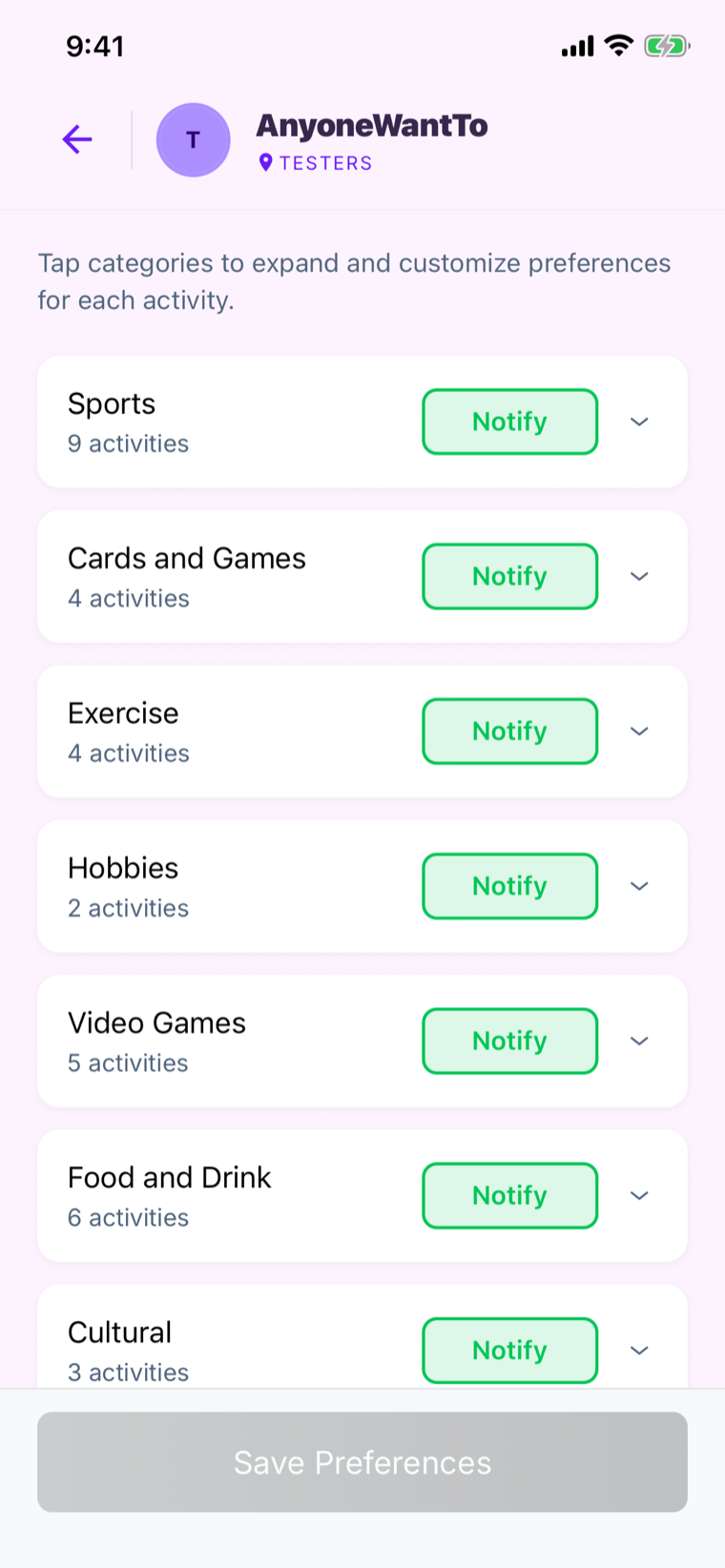
Interest-based alerts mean you hear about the plans you'd say yes to, and mute the rest. No group-chat firehose.
Public & private groups · iOS & Android
The great new way to find things going on around you, and find people to join you for your activities.
Find your groups · Discover activities · Make plans happen

Plans die in a scroll of "maybe," three side-threads, and a poll nobody answered. The people who'd have shown up never even saw it.
Anyone Want To gives your group one space to float an idea, see who's actually in, and get out the door, minus the chaos.
How it works
Pick your interests once: pickleball, trail runs, trivia, whatever your thing is. You'll only hear about plans you'd actually say yes to.
One feed of everything your group has going on this week, filtered to your vibe. No digging, no FOMO, no "wait, that was tonight?"

Float a plan in seconds and watch the "I'm in"s roll in. See exactly who's coming before you commit, so plans stop being flaky maybes.

Why it clicks
Interest-based alerts mean you hear about the plans you'd say yes to, and mute the rest. No group-chat firehose.
From large, public local groups to private, invite-only groups for your neighborhood, apartment community, school, or just about anything else, Anyone Want To has you covered.
RSVP in a tap and watch the roster fill up before you commit.
Run a club, league, or crew? Give your members one dependable place to show up, and stop being everyone's personal scheduler.
For group leaders
Find a local group or reach out below to learn how to set up your own. Eliminate the pain of group texts, the drama of deciding on an invite list, and the frustration of your activity getting lost in the shuffle.
Request information
Anyone Want To includes free public groups in select areas, with more on the way! If you'd like to request a new public group or set up a private group for your neighborhood, club, or crew, fill out the form to learn more.
Download Anyone Want To and turn your next "we should hang out" into a plan on the calendar.
Explore available groups · Request info